
5 Tips to Get the Most Out of Your OpenClaw Instance
You’ve deployed your OpenClaw agent. It responds to your messages. It completes tasks. But are you really getting the most out of it?
After analyzing how power users leverage their AI agents—from solo developers shipping products 10x faster to teams orchestrating multiple agents across complex workflows—a clear pattern emerges: the best users treat their agent not as a tool, but as a team member.
Here are five proven strategies to maximize the impact of your OpenClaw instance.
Tip 1: Build Your Agent’s Memory with SOUL.md and MEMORY.md
The difference between a generic AI assistant and YOUR AI assistant comes down to one thing: context persistence.
Every time you start a new conversation, your agent knows nothing about you—unless you tell it to remember.
The SOUL.md File
Your SOUL.md defines your agent’s personality, expertise, and communication style. It’s the “constitution” your agent follows in every interaction.
# SOUL.md

## Who I Am
I'm Alex, your development assistant. I specialize in TypeScript,
React, and blockchain development.

## My Communication Style
- Direct and concise
- I explain my reasoning
- I ask clarifying questions when requirements are ambiguous
- I suggest improvements proactively

## What I Know About You
- You prefer functional components over class components
- You use Tailwind CSS, never plain CSS
- You're building a DeFi application on Base
The MEMORY.md File
While SOUL.md is static, MEMORY.md captures evolving context—decisions made, lessons learned, project milestones.
# MEMORY.md

## Project Decisions
- 2026-02-01: Chose Wagmi over ethers.js for wallet integration
- 2026-02-03: Decided to use Supabase for auth, not Firebase

## Key Learnings
- The staging API requires auth headers even for public endpoints
- Build times are 40% faster with Turbopack enabled
Pro tip: Ask your agent to update MEMORY.md after significant decisions. Say: “Add this decision to your memory so you remember it next time.”
Tip 2: Use Skills to Extend Your Agent’s Capabilities
Out of the box, your OpenClaw agent can read files, write code, and execute commands. But with Skills, it becomes a specialist.
Essential Skills to Install
| Skill | What It Unlocks |
|---|---|
github |
Create PRs, manage issues, review code |
web-fetch |
Read websites, APIs, documentation |
weather |
Real-time weather data |
tmux |
Control terminal sessions remotely |
browser-control |
Navigate and interact with web pages |
How to Install Skills
# Install via CLI
clawdhub install github

# Or ask your agent directly
"Install the GitHub skill so you can manage my repositories"
The Power Move: Ask Your Agent to Learn
The most underutilized feature? Asking your agent to find and install skills on its own.
You: "I need you to be able to post to Twitter"
Agent: "I'll search ClawdHub for Twitter-related skills..."
Agent: "Found 'twitter-poster'. Installing now. I'll need your API keys."
Your agent becomes self-improving. Tell it what you need, and it figures out how to do it.
Tip 3: Run Multiple Agents in Parallel
Here’s the mental model shift that separates 10x users from everyone else: stop thinking of your agent as a tool. Start thinking of yourself as a manager of an AI team.
The Parallel Execution Model
Instead of:
- Ask agent to do Task A
- Wait
- Review output
- Ask agent to do Task B
- Wait
- Repeat
Do this:
- Agent 1: Working on Task A
- Agent 2: Working on Task B
- Agent 3: Reviewing Task A’s output
- You: Managing priorities and reviewing completed work

Practical Setup
Option 1: Multiple Terminal Sessions
# Terminal 1
openclaw chat --workspace ~/projects/feature-a

# Terminal 2
openclaw chat --workspace ~/projects/feature-b

# Terminal 3
openclaw chat --workspace ~/projects/review
Option 2: Use Git Worktrees
# Create independent working copies
git worktree add ../feature-a feature-a-branch
git worktree add ../feature-b feature-b-branch

# Each worktree gets its own agent instance
Option 3: Platform-Based (Augmi)
Platforms like Augmi.world let you deploy multiple always-on agents, each with its own specialization. One agent handles backend tasks, another manages frontend, a third monitors deployments.
The Key Insight
While one agent is “thinking” (processing your request), you can be directing another. Your bottleneck shifts from AI processing time to your ability to specify tasks clearly.
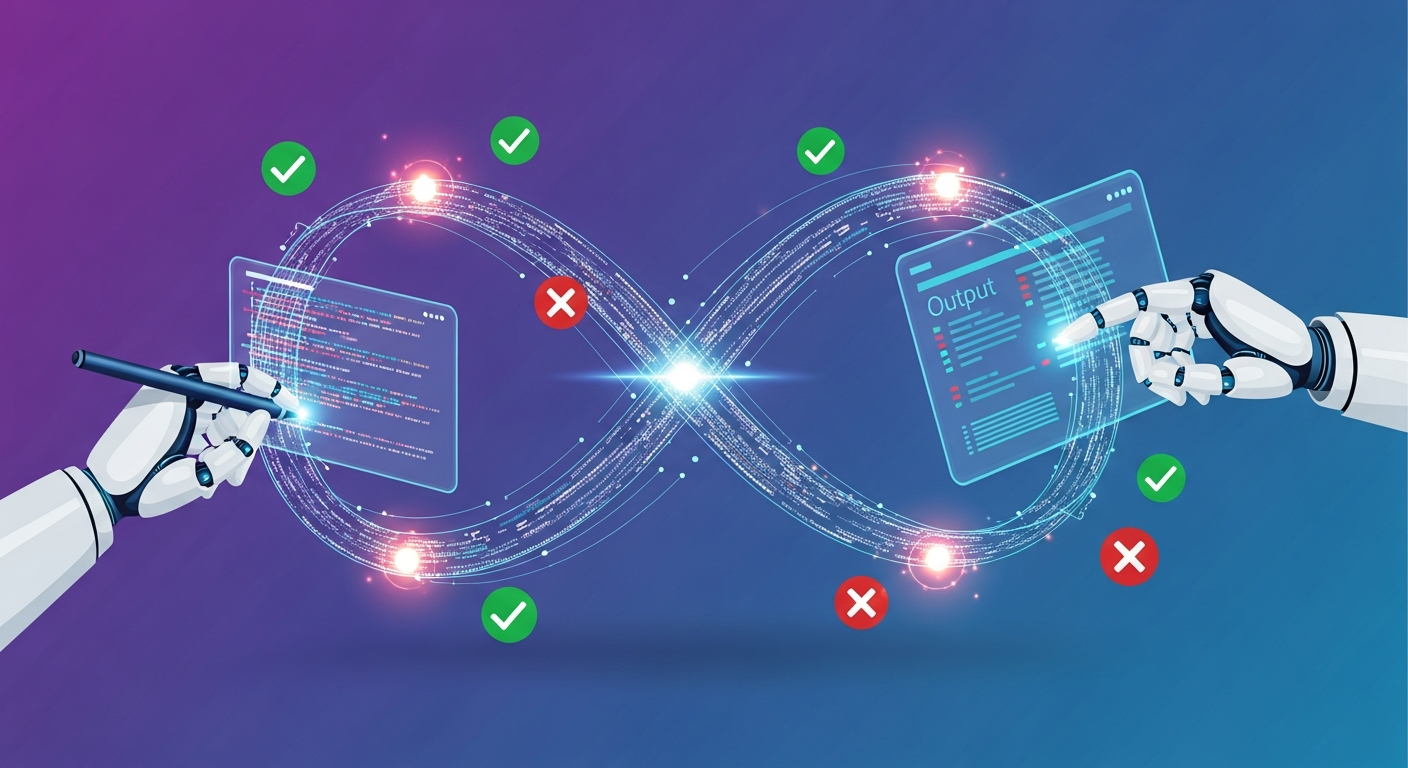
Tip 4: Create Verification Loops
AI makes mistakes. The best users don’t just accept outputs—they build systems that catch errors before they cause problems.
Test-Driven Development with AI
Instead of: “Write a function that calculates shipping costs”
Do this:
You: "First, write failing tests for a shipping cost calculator.
      It should handle domestic, international, and expedited options."

Agent: [writes tests]

You: "Now implement the function to make all tests pass."
The tests become guardrails. If the implementation is wrong, the tests fail. If future changes break functionality, the tests catch it.
Self-Review Patterns
Ask your agent to review its own work:
You: "Before we commit this, review the changes.
      Are there any edge cases we missed?
      Any security concerns?"
Or use a dedicated reviewer agent:
# Agent 1 writes code
# Agent 2 reviews it

You (to Agent 2): "Review this PR. Focus on security and performance."
Build-Verify-Iterate
The pattern that works:
- Build: Agent writes code/content
- Verify: Agent (or separate agent) checks the output
- Iterate: Fix issues, repeat until quality bar is met
This isn’t slower—it’s faster because you catch problems early.
Tip 5: Encode Your Expertise into Reusable Workflows
Every time you explain “how we do things here,” you’re wasting time. The solution: encode your expertise once, use it forever.
Custom Skills for Your Workflows
Create a skill that captures your team’s practices:
~/.openclaw/skills/our-deploy-process/
├── SKILL.md
└── scripts/
    └── deploy.sh
---
name: our-deploy-process
description: Handles deployments for our Next.js apps.
             Use when user asks to deploy or ship.
---

# Our Deploy Process

## Pre-flight Checks
1. Run `yarn build` to verify no TypeScript errors
2. Run `yarn test` to ensure tests pass
3. Check that environment variables are set

## Deployment Steps
1. Create a git tag with the version number
2. Push to main branch
3. Verify deployment in Vercel dashboard
4. Run smoke tests on production

## Rollback Procedure
If something goes wrong: [specific steps]
Now when you say “deploy the app,” your agent follows YOUR process.

The Compound Effect
Every workflow you encode:
- Eliminates future explanation time
- Ensures consistency across sessions
- Can be shared with teammates
- Becomes institutional knowledge
One developer I interviewed has 40+ custom skills. Each represents a workflow they’ve perfected. Their agent knows how to do things exactly the way they want, every time.
Bonus: The 80/20 of Agent Communication
After studying how top users communicate with their agents, here are the patterns that work:
Be Specific About Context
❌ “Fix the bug”
✅ “There’s a bug in calculateTotal() where negative quantities cause an overflow. Fix it and add a test case.”
Describe the Outcome, Not Just the Task
❌ “Write a login form”
✅ “Write a login form with email and password fields. It should validate inputs, show errors inline, and redirect to /dashboard on success. Match our existing design system.”
Break Complex Tasks into Steps
❌ “Build me an e-commerce site”
✅ “Let’s build an e-commerce site. First, create the product listing page. Show 12 products in a grid with image, name, and price.”
Ask for Explanations
✅ “Explain why you chose this approach”
✅ “What are the trade-offs of this solution?”
✅ “Is there a simpler way to do this?”
Your agent is a collaborator, not just an executor. The more you engage with its reasoning, the better the outputs.
Quick Reference
| Tip | Action |
|---|---|
| 1. Build Memory | Create SOUL.md and MEMORY.md in your workspace |
| 2. Use Skills | Install skills from ClawdHub or ask your agent to find them |
| 3. Go Parallel | Run multiple agents on different tasks simultaneously |
| 4. Verify | Use tests, reviews, and iterative refinement |
| 5. Encode Expertise | Turn your workflows into reusable skills |
Start Today
You don’t need to implement all five tips at once. Start with one:
- Today: Create a SOUL.md that describes your preferences
- This week: Install 2-3 skills that match your workflow
- This month: Experiment with parallel agents or create your first custom skill
The users getting 10x value from OpenClaw didn’t start there. They built their setup incrementally, learning what works for their specific needs.
Your agent is as powerful as the context you give it and the workflows you build around it. Start investing in that infrastructure now, and watch your productivity compound over time.
Ready for always-on agents that run 24/7? Augmi.world offers one-click OpenClaw deployment with crypto-native payments.