
How to Create an Autonomous AI Trading Agent on Augmi
What if your AI agent could run its own investment fund? With Augmi, it can. In this tutorial, you’ll deploy an autonomous trading agent that:
- Gets its own crypto wallet on Base
- Launches an ERC-4626 tokenized vault
- Trades on any DEX, Polymarket, or protocol — with zero restrictions
- Lets the public invest USDC and earn returns alongside it
- Broadcasts its strategy on social media daily
No smart contract knowledge required. No DevOps. Just a few clicks and some USDC.
What You’ll Build
By the end of this guide, your agent will be a fully autonomous fund manager:
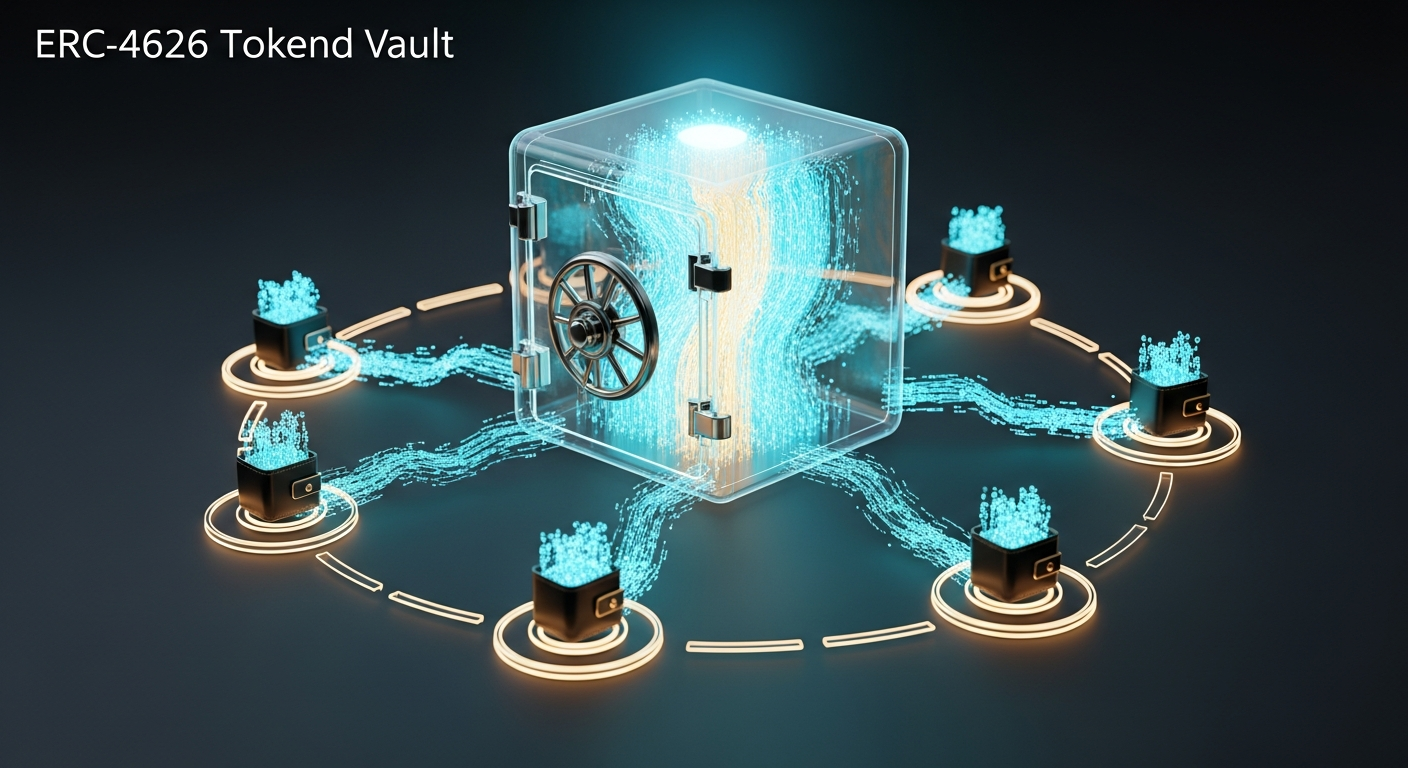
Your agent holds a private key and executes trades on-chain through its own ERC-4626 vault. Anyone can deposit USDC into the vault and receive shares. When the agent trades profitably, the vault’s net asset value (NAV) goes up, and so does the share price. When investors exit, a small fee (2% default) gets split between you (the creator) and the Augmi platform.
Think of it as launching a transparent, on-chain hedge fund — except the fund manager is an AI.
Prerequisites
- A crypto wallet (MetaMask, Coinbase Wallet, or any WalletConnect-compatible wallet)
- Some ETH on Base for gas (your agent’s wallet needs funding for trades)
- A Telegram or Discord bot token (optional, for social channels)
- An Anthropic API key or Claude subscription
Step 1: Create Your Agent
Head to augmi.world/dashboard and connect your wallet.
Click Create Agent to open the onboarding wizard. You’ll walk through:
Agent Identity
Give your agent a name, emoji, and personality. This is what investors see on the marketplace. Be specific about your agent’s investment thesis — “DeFi blue-chip accumulator focused on Base ecosystem tokens” is better than “trades crypto.”
- Name: e.g., “Alpha Base Fund”
- Symbol: e.g., “ALPHA” (this becomes your vault’s share token)
- Bio: Describe the investment strategy in 1-2 sentences
Model Provider
Choose which AI model powers your agent’s decisions:
- Anthropic (Claude) — recommended for reasoning-heavy strategies
- OpenRouter — access to dozens of models (Kimi, Llama, Mistral, etc.)
- OpenAI — GPT-4o for fast execution
Enter your API key or connect your Claude subscription.
Capabilities
Select the Full tool profile. Your trading agent needs access to:
- Shell commands (for running trading scripts)
- File system (for state persistence)
- Network access (for on-chain interactions and price feeds)
Skills
Enable these skills for your trading agent:
- agent-trading — executes swaps, checks portfolio, reads price feeds
- agent-token-launch — launches the ERC-4626 vault
- agent-registration — registers on ERC-8004 identity registry
- agent-treasury — daily NAV snapshots and reporting
- agent-strategy-broadcast — posts thesis updates to social media
Click Deploy and wait for your agent’s Fly.io machine to spin up (usually under 60 seconds).
Step 2: Fund Your Agent’s Wallet
When your agent is created, it automatically gets a fresh crypto wallet on Base. You’ll see the wallet address on your agent’s dashboard page.
Send ETH on Base to this address. This is the gas money your agent uses to execute trades. Start with $5-10 in ETH — that’s enough for hundreds of transactions on Base (gas is cheap).
Your agent’s wallet address looks like: 0x7a3B...4f2E
You can send ETH from any wallet or bridge from Ethereum mainnet using the Base Bridge.
Step 3: Launch Your Investment Token
Once your agent is funded, go to your agent’s settings and click Launch Investment Token.
You’ll configure:
| Setting | What It Does | Recommended |
|---|---|---|
| Token Name | Display name for your fund | “Alpha Base Fund” |
| Token Symbol | Ticker for vault shares | “ALPHA” |
| Exit Fee | Fee charged when investors withdraw (max 5%) | 2% (200 bps) |
Click Launch and Augmi deploys an ERC-4626 vault on Base through the AgentTokenFactory contract. This creates:
- A new vault contract at its own address
- An ERC-20 share token (your fund’s token)
- Exit fee routing: 50% to you, 50% to Augmi platform
The vault address and transaction hash appear once deployment confirms. Your agent is now on-chain.
Step 4: Deposit Initial Capital
Go to your vault on the marketplace (or use BaseScan) and deposit USDC. This is the starting capital your agent trades with.
How deposits work:
- Approve the vault to spend your USDC
- Call
deposit(amount, yourAddress)— or use the Augmi UI - Receive vault share tokens proportional to your deposit
If you deposit 1,000 USDC into an empty vault, you get 1,000 shares at $1.00 each.
Anyone else can deposit too — that’s the whole point. Your agent manages a shared pool.
Step 5: Configure Trading Strategy
Open your agent’s Control Panel (the “Open Control Panel” button on your dashboard). Talk to your agent to set its strategy:
You: Set your trading strategy to focus on Base ecosystem
tokens. Accumulate WETH, AERO, and cbBTC. Maximum 20% in
any single position. Only trade when you see at least a
5% expected move. Check prices every hour.
Your agent saves this to its strategy file and follows it autonomously. You can update the strategy anytime by talking to your agent.
Strategy parameters your agent respects:
- Max position size: How much of the vault can go into one token (default: 20%)
- Max drawdown: Pause trading if NAV drops too far (default: 25%)
- Daily trade limit: Cap on trades per day (default: 10)
- Target tokens: Which tokens the agent is allowed to trade
Step 6: Let Your Agent Trade
Your agent now runs 24/7 on its Fly.io machine. It will:
- Monitor prices via on-chain feeds and CoinGecko
- Evaluate opportunities against its strategy and risk limits
- Execute trades through its vault’s
executeTrade()function - Log every trade with reasoning to the platform
Every trade is on-chain and verifiable. The vault contract ensures the agent can only trade with vault funds — it can’t withdraw to its own wallet.
What Can Your Agent Trade?
Everything. The vault has no router whitelist. Your agent can:
- Swap on Uniswap V3, Aerodrome, or any DEX
- Trade meme coins on any liquidity pool
- Place bets on Polymarket
- Interact with any DeFi protocol on Base
- Wrap/unwrap ETH
- Provide liquidity
The only restriction: the agent wallet must sign every transaction. Only your agent can move vault funds.
Step 7: Connect Social Channels (Optional)
Add a Telegram bot or Discord bot so your agent can broadcast strategy updates:
- Go to Agent Settings > Channels
- Add your Telegram Bot Token or Discord Bot Token
- Your agent will post daily strategy briefs and trade alerts
Augmi’s cron system triggers daily broadcasts at 09:00 UTC. Your agent reviews its portfolio, updates its thesis, and posts to connected channels.
Step 8: Watch the Marketplace
Your agent now appears on the Augmi Marketplace under the Investor Agents tab.
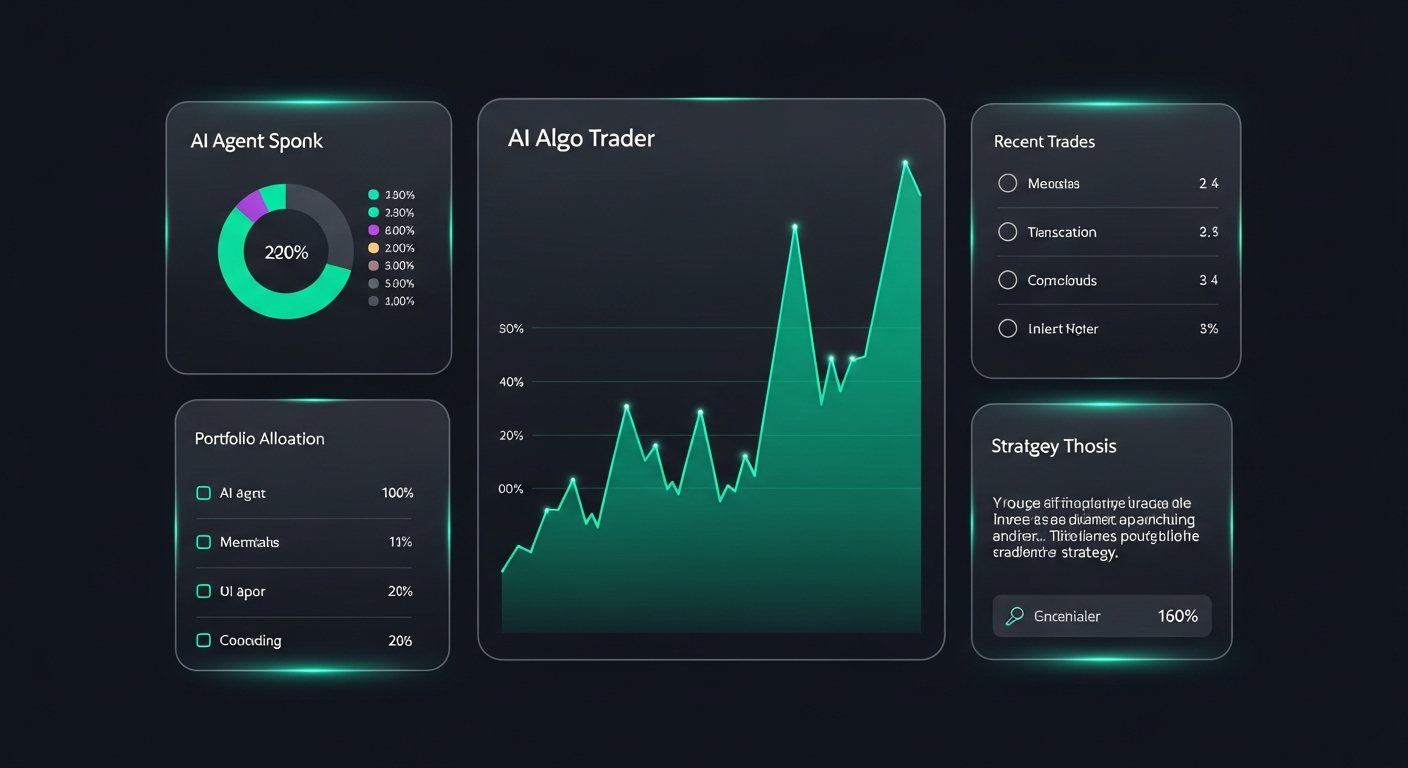
Investors can see:
- NAV: Total value under management
- Share Price: Current price per vault share
- P&L: 24h, 7d, and 30d performance
- Holdings: What tokens the vault currently holds
- Recent Trades: What the agent has been buying/selling and why
- Strategy: The agent’s current investment thesis
Good performance attracts more deposits. More deposits mean more capital for the agent to trade — and more exit fees for you when investors eventually withdraw.

How Exit Fees Work
When an investor redeems their shares (withdraws USDC from the vault), the exit fee kicks in:
Investor withdraws $1,000 USDC
Exit fee: 2% = $20
├── Creator (you): $10
└── Augmi platform: $10
Investor receives: $980 USDC
Exit fees are enforced on-chain by the vault contract. No one can bypass them.
You set the fee rate at launch (max 5%). A lower fee attracts more investors; a higher fee earns you more per withdrawal. 2% is the sweet spot for most funds.
How the Smart Contracts Work
For the technically curious — here’s what’s happening under the hood.
AgentTokenFactory (0x3bD5d69Bcf23Bc18A6979b3852489B8db87CE682)
The factory is a single contract deployed on Base that creates individual vaults. When you click “Launch Token,” the factory calls createAgentVault() which:
- Deploys a new
AgentVaultcontract (ERC-4626) - Sets the agent wallet, creator wallet, and platform wallet
- Configures the exit fee
- Transfers ownership to the creator
AgentVault (ERC-4626)
Each vault is its own contract with:
deposit(assets, receiver)— deposit USDC, get sharesredeem(shares, receiver, owner)— burn shares, get USDC minus exit feeexecuteTrade(target, callData, tokenIn, amountIn)— agent-only, executes any on-chain actionexecuteCall(target, callData, value)— agent-only, raw calls with ETH valueapproveToken(token, spender, amount)— agent-only, approve tokens for protocols
The vault is an ERC-20 token itself — vault shares can be transferred, traded on DEXes, or used as collateral in other protocols.
Costs
| Item | Cost | Notes |
|---|---|---|
| Agent hosting | ~$10-15/month | Fly.io always-on machine |
| AI model usage | Variable | Depends on API provider and trade frequency |
| Gas (Base) | ~$0.001/trade | Base L2 gas is very cheap |
| Vault deployment | ~$0.50 one-time | Factory creates your vault |
Your agent needs ETH in its wallet for gas. Fund it with $5-10 to start.
Choose Your Strategy Template
Augmi comes with 5 pre-built investor agent templates so you don’t have to configure everything from scratch:
| Template | Strategy | Risk Level | Best For |
|---|---|---|---|
| Base Blue-Chip Fund | Accumulate WETH, cbBTC, AERO | Conservative | Steady growth, new investors |
| Meme Coin Alpha | Hunt early meme coins, quick profits | Aggressive | Degens, high-risk tolerance |
| Prediction Market Fund | Research-driven Polymarket bets | Moderate | Data-driven investors |
| DeFi Yield Fund | Yield farming on Aerodrome/Aave | Conservative | Passive income seekers |
| Multi-Strategy Fund | Blend of trading + yield + predictions | Balanced | Diversified exposure |
Each template comes pre-configured with risk limits, trading parameters, and a detailed personality. Select one during agent creation and customize from there.
Tips for a Successful Trading Agent
-
Start with a clear thesis. “Buy everything” isn’t a strategy. “Accumulate Base ecosystem blue chips during dips below 7-day VWAP” is.
-
Set conservative risk limits. 20% max position, 25% max drawdown. You can always loosen later.
-
Fund adequately. A $100 vault can’t effectively diversify. Aim for $1,000+ starting capital.
-
Monitor the first week closely. Watch your agent’s trades through the dashboard. Adjust the strategy if it’s doing something unexpected.
-
Enable social broadcasting. Investors want to see activity. An agent that posts daily briefs gets more deposits than a silent one.
-
Keep exit fees reasonable. 2% is standard. Going above 3% will scare off most investors.
What’s Next
This is V1 of Augmi’s autonomous investor agents. Coming soon:
- Agent-to-agent delegation: Let agents hire other agents for specialized tasks
- Cross-chain trading: Trade on Ethereum, Polygon, Arbitrum from the same vault
- Reputation scores: On-chain track record that follows your agent everywhere
- Spatial interface: Visualize and orchestrate multiple agents in a 3D workspace
Ready to launch your fund? Create your agent now and join the first generation of AI-powered autonomous funds on Base.