

When Matthew Berman uploaded a video walking through his complete OpenClaw setup, the AI community paid close attention. Not because the use cases were exotic, but because they were exhaustively practical. The video didn’t pitch a product or speculate about the future. It showed a working system, warts and all, with a token counter that had crossed 2.54 billion. That number alone — the cost of getting it right — tells you something about the gap between “I set up an AI assistant” and “I built something that actually changed how I work.”
OpenClaw is the framework making these setups possible. The open-source AI assistant platform crossed 188,000 GitHub stars before its creator, Peter Steinberger, was hired by OpenAI on February 14, 2026. It runs locally on a MacBook, connects to messaging apps like Telegram, WhatsApp, Slack, and Discord, and is built around the idea that your AI should have a persistent memory, a stable identity, and deep integrations into the tools you already use. Andrej Karpathy described the social layer built on top of it — Moltbook — as “genuinely the most incredible sci-fi takeoff-adjacent thing.” Luca Rossi of Refactoring.fm compared the overall experience to the launch of ChatGPT.
Not everyone agrees. Hacker News threads on OpenClaw reliably split between enthusiasts calling it transformative and skeptics dismissing it as “LLM + cron wrapper.” Kaspersky has called it “an absolute nightmare” from a security perspective, and a CVE (CVE-2026-25253) surfaced alongside reports of 341 malicious plugins in the ClawHub ecosystem. These tensions are real, and Berman addresses some of them directly in his setup.
But the use cases themselves are worth examining carefully, because they represent what’s possible right now — not in some future product release — for anyone willing to invest the time and tokens.
The Foundation: Identity, Personality, and Memory
Before any automation runs, Berman’s setup starts with two files that define who the assistant is.
1. MD Files (identity.md and soul.md) establish the assistant’s personality and behavioral rules. Identity covers factual context — who Berman is, what he works on, what he cares about. Soul covers tone and values. Critically, the assistant reads context before responding: in a personal Telegram DM it’s casual and direct; in a team Slack channel it shifts to professional register. This context-awareness isn’t magic — it’s a few lines of conditional logic — but it changes the feel of every interaction.
2. The Memory System is where the setup starts to diverge from typical chatbot configurations. Berman keeps daily notes as markdown files. A nightly process distills those notes into a persistent memory.md file, which is vectorized for retrieval-augmented search. The assistant can pull relevant context from weeks of prior conversations without hitting token limits. Perhaps more interesting: the identity files are self-updating. When Berman mentions a new preference or the assistant infers something consistent about his behavior, it can propose updates to its own identity. The assistant learns its user over time.
The Relationship Layer: CRM, Meetings, and Action Items
The next cluster of use cases addresses the thing that consumes enormous professional energy: managing relationships and commitments.
3. A Custom Personal CRM ingests Gmail, Google Calendar, and Fathom meeting transcripts. It has 371 contacts stored in SQLite with vector embeddings, queryable in natural language (“Who did I last talk to about the funding round?”). It filters out newsletters and cold outreach automatically, and maintains relationship health scores — a lightweight signal for who he’s been neglecting.
4. The Fathom Pipeline pulls meeting transcripts every five minutes during business hours. It’s calendar-aware, so it knows when a meeting ends and goes looking for the transcript. It extracts action items and queues them for approval via Telegram. The filter is self-improving: when Berman rejects a suggested action item, that rejection feeds back into the system. The pipeline also handles urgent email scanning every 30 minutes — not a full inbox review, just a check for anything flagged as time-sensitive.
5. Meeting to Action Items takes the Fathom output and does ownership attribution. It doesn’t just list what was decided — it separates what Berman needs to do from what he’s waiting on from others. The approval queue lives in Telegram. Accepted items flow into Todoist. The system checks completion three times daily and, again, learns from rejections to improve future suggestions.
This cluster — CRM, Fathom, action items — is the part of the setup that probably has the highest ROI for knowledge workers. The bottleneck in most professional relationships isn’t capability, it’s tracking. Berman has automated the tracking layer almost entirely.
The Knowledge Layer: Ingestion and Search
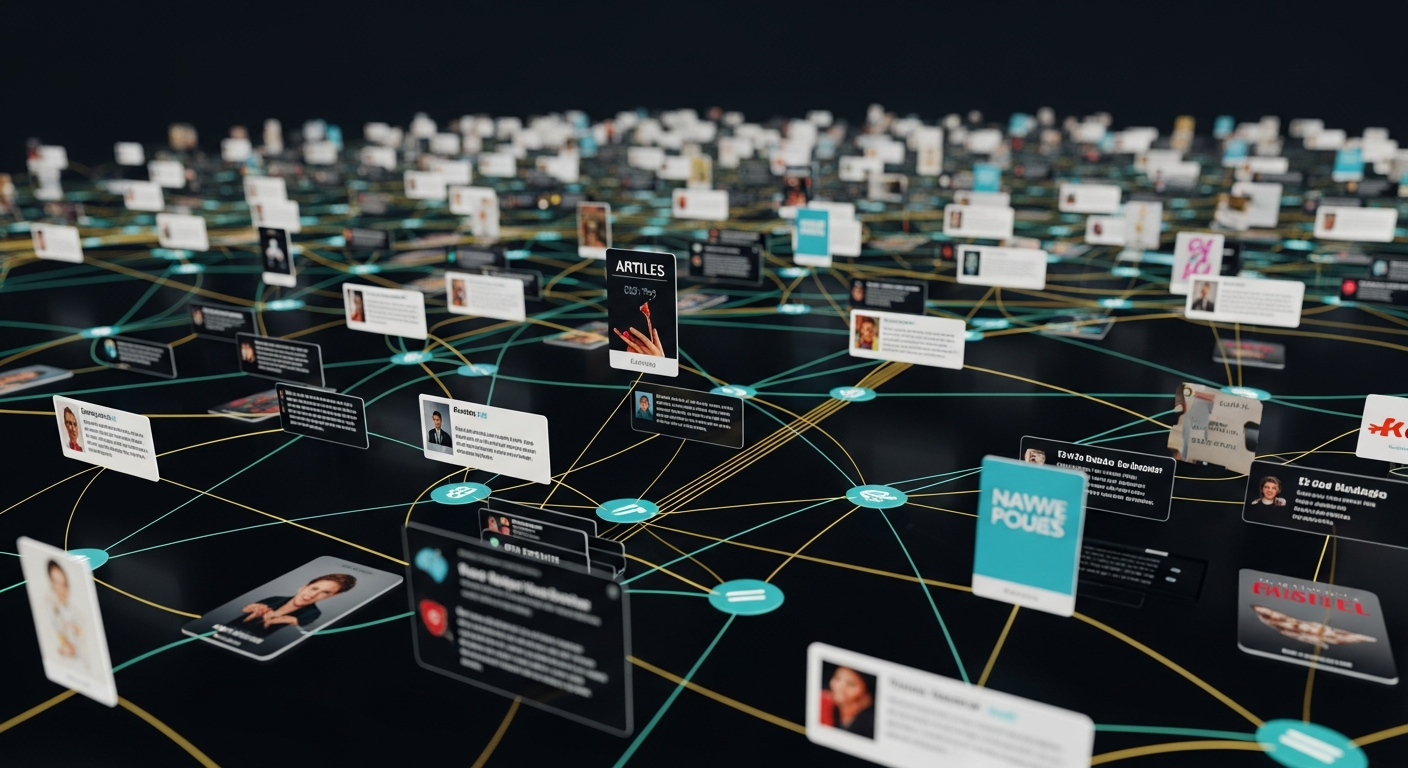
6. The Knowledge Base System is a central repository for articles, YouTube videos, X posts, and PDFs. Drop a link into Telegram, and the assistant auto-ingests the content with vector embeddings. It cross-posts relevant items to team Slack. The whole thing is searchable in natural language — not keyword search, but semantic retrieval that surfaces relevant content from months ago when you ask a question that happens to relate to something you read in November.
7. The X Ingestion Pipeline has some engineering sophistication behind it. It uses FX Twitter as the primary source, falls back to the X API, and uses Grok X search as a final fallback. It follows full threads (not just top-level posts), ingests linked articles, and chunks and embeds everything. The result is that Berman’s knowledge base captures not just what he bookmarks but what surfaces in his feed that seems worth retaining.
The Intelligence Layer: The Councils

This is the part of the setup that drew the most discussion — and the most skepticism.
8. The Business Advisory Council runs nightly. It pulls from 14 business data sources and spins up 8 parallel expert agents covering financial analysis, marketing, growth, operations, and more. These agents discuss, negotiate, and synthesize into recommendations delivered to Telegram each morning. The framing — “council,” “negotiate” — is metaphorical, but the underlying mechanism is real: multiple agents with different system prompts reviewing the same data and producing outputs that get synthesized into a coherent briefing.
9. The Security Council runs nightly at 3:30am. It reviews the entire codebase from four perspectives: offensive security, defensive security, data privacy, and operational realism. It produces numbered findings sent via Telegram. Berman can reply “Fix it” on a specific finding to trigger automatic remediation. The 3:30am timing isn’t arbitrary — it’s when API rates are cheap and compute is available. The “Fix it” command is the kind of thing that makes security professionals nervous, and for good reason. Automatic code changes from an AI review require serious trust in the review quality.
10. Social Media Tracking takes daily snapshots of YouTube, Instagram, X, and TikTok metrics into SQLite. That data feeds the morning briefing and, more usefully, feeds into the business council so the advisory layer has current performance context.
11. The Video Idea Pipeline is triggered by Slack mentions. When someone surfaces a topic, the assistant does deep research, checks X trends, and creates an Asana card with a full outline, hook options, and packaging suggestions. It runs a deduplication check against existing ideas to avoid retreading ground.

12. The Daily Briefing Flow aggregates CRM updates, emails, calendar events, social stats, and action items into a single morning Telegram message. This is the front door to everything else — the surface where Berman interacts with the overnight output of the system.
13. The Platform Council is the third council alongside business and security. It monitors documentation drift, log anomalies, and backup integrity. It’s the operational hygiene layer — the system watching itself.
The Infrastructure Layer: Schedules, Security, and Reliability
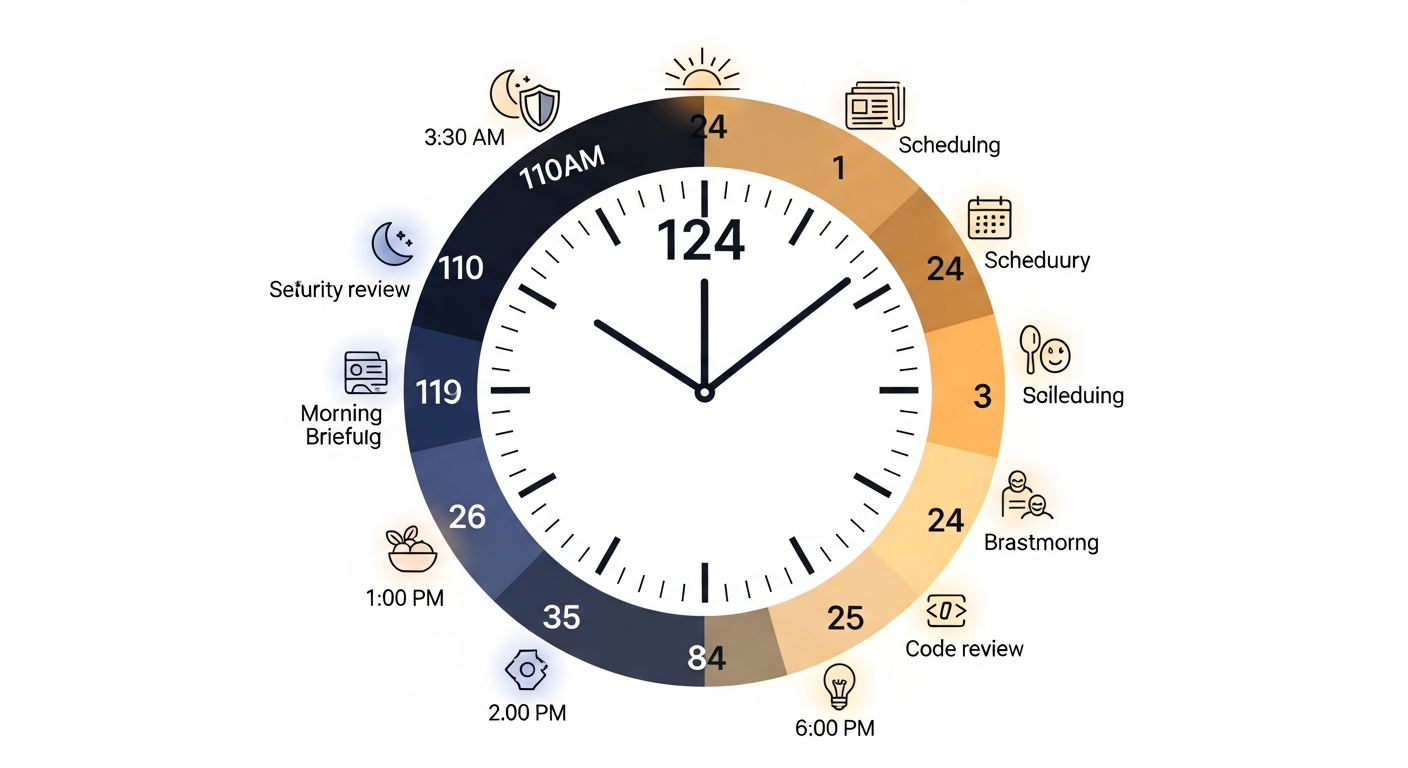
14. The Automation Schedule is where the operational complexity of a setup like this becomes visible. Overnight jobs include: document sync, CRM scan, config review, security review, log ingestion, video idea refresh, and morning brief generation. Daytime jobs include: Fathom pull every 5 minutes, email scan every 30 minutes, action item completion checks three times daily. Weekly jobs: memory synthesis and earnings preview. Hourly: git and database backup. There’s a central log tracking successes and failures across all of these. When something breaks at 3:30am, Berman sees it in the morning briefing, not in a cascading failure the next time he tries to use the system.

15. Security Layers are notable given the threat landscape around OpenClaw. Berman’s setup uses both deterministic and non-deterministic defenses against prompt injection. Email and calendar access is read-only — the assistant can summarize but cannot send or modify. It auto-redacts secrets before storing anything. Any public-facing action requires explicit approval. These aren’t novel security practices, but applying them systematically to a personal AI setup requires intentional design.
16. Databases and Backups receive dedicated attention. All SQLite databases are encrypted and backed up to Google Drive. Git autosync runs hourly to GitHub. There are alerts on backup failures and a full restore script. The failure mode for a system this integrated — losing the CRM, the memory, the knowledge base — would be severe. The backup infrastructure reflects that.
The Peripheral Systems: Generation, Updates, and Health
17. Video and Image Generation integrates VO for video and Nano Banana Pro for images. Generated assets are auto-downloaded, sent to Telegram for review, and local copies are deleted. The workflow keeps generated content flowing without accumulating locally.
18. Self-Updates run nightly. The assistant checks for new OpenClaw releases, summarizes the changelog, and delivers it to Telegram. A single command triggers the update and auto-restart. Given that OpenClaw development has been rapid — and that Steinberger’s departure to OpenAI introduces some uncertainty about the project’s future pace — staying current matters.
19. Usage and Cost Tracking monitors API calls by provider — Anthropic, OpenAI, xAI — with token-level granularity. At the scale Berman is operating (2.54 billion tokens is not a small number), understanding where costs are coming from is not optional. The nightly councils alone, running complex multi-agent pipelines against large codebases and data sets, can generate significant API spend.
20. Prompt Engineering is treated as a first-class concern. Berman has downloaded prompting best practices from each frontier lab and stores the Opus 4.6 prompting guide locally. All OpenClaw prompt updates reference this guide. This is the kind of discipline that explains why 2.54 billion tokens produced a working system rather than an expensive mess.
21. Developer Infrastructure includes sub-agents for complex tasks and delegation to Cursor agent CLI for coding work. Heartbeat monitoring checks that key services are alive. The system has a nervous system — it knows when parts of itself have stopped responding.

There’s also a 22nd use case that didn’t make the headline number but appeared in the video: a Food Journal that tracks meal photos with timestamps and descriptions, runs three-times-daily symptom check-ins, and does weekly pattern analysis. Through this, Berman discovered an onion sensitivity. It’s a small thing, but it’s the kind of thing that illustrates the range of what “personal AI assistant” can mean when the infrastructure is in place.
What It Actually Costs
Running a setup like this at full scale costs roughly $30–120 per month in API fees, depending on which models you use and how frequently the heavier pipelines run. The community-curated awesome-openclaw-usecases repository on GitHub has documented 29+ use cases from other users, and cost is consistently the variable that determines scope.
The 2.54 billion tokens Berman spent getting here represents something important: this is not a weekend project. The setup that looks elegant in a YouTube walkthrough is the product of iteration, debugging, and refinement over an extended period. Sam Altman has predicted that the first one-person billion-dollar company is coming, built on AI infrastructure. Berman’s setup is a small-scale proof of concept for that thesis — a single person operating with leverage that would have required a team a few years ago.
Augmi.world is building one-click deployment for OpenClaw agents, removing the infrastructure complexity that currently requires technical sophistication to navigate. The underlying capability is real. The friction is still high. That gap is closing.
Takeaways
For professionals ready to start: The CRM, Fathom pipeline, and daily briefing cluster are the highest-ROI entry points. They address universal pain points — relationship tracking, meeting follow-through, information overload — without requiring complex multi-agent orchestration.
On the security concerns: The CVE, the malicious plugins, the Kaspersky warnings — these are real. Read-only permissions, approval gates on public actions, and prompt injection defenses aren’t optional if you’re connecting an AI to live email, calendar, and code. Berman’s setup includes all of these. Most beginner setups don’t.
On the council architecture: The skeptics calling this “LLM + cron wrapper” aren’t wrong about the mechanics, but they’re missing the point. The value isn’t in the novelty of the mechanism — it’s in the consistency of execution. A nightly security review that actually runs every night, produces structured output, and flags findings for human review is valuable regardless of whether you call the underlying process “AI” or “automation.”
On the 2.54 billion tokens: Iteration is expensive. Starting simpler than Berman’s current setup and expanding incrementally is the practical path for most people. The token count is not a prerequisite — it’s the cost of arriving at the current state from scratch.
On Peter Steinberger joining OpenAI: The project’s trajectory under new stewardship is uncertain. The codebase is open-source and the community is active. Self-update monitoring (use case 18) becomes more important, not less, in a period of potential transition.
The system Berman has built is not a demo. It is a working infrastructure layer for professional life — relationship management, knowledge curation, security oversight, creative pipeline, health tracking. It runs while he sleeps. It improves based on his feedback. It costs less per month than a gym membership.
The question for most AI-curious professionals isn’t whether something like this is possible. Berman’s 2.54 billion tokens confirm that it is. The question is how much of your current friction you’re willing to invest in eliminating.