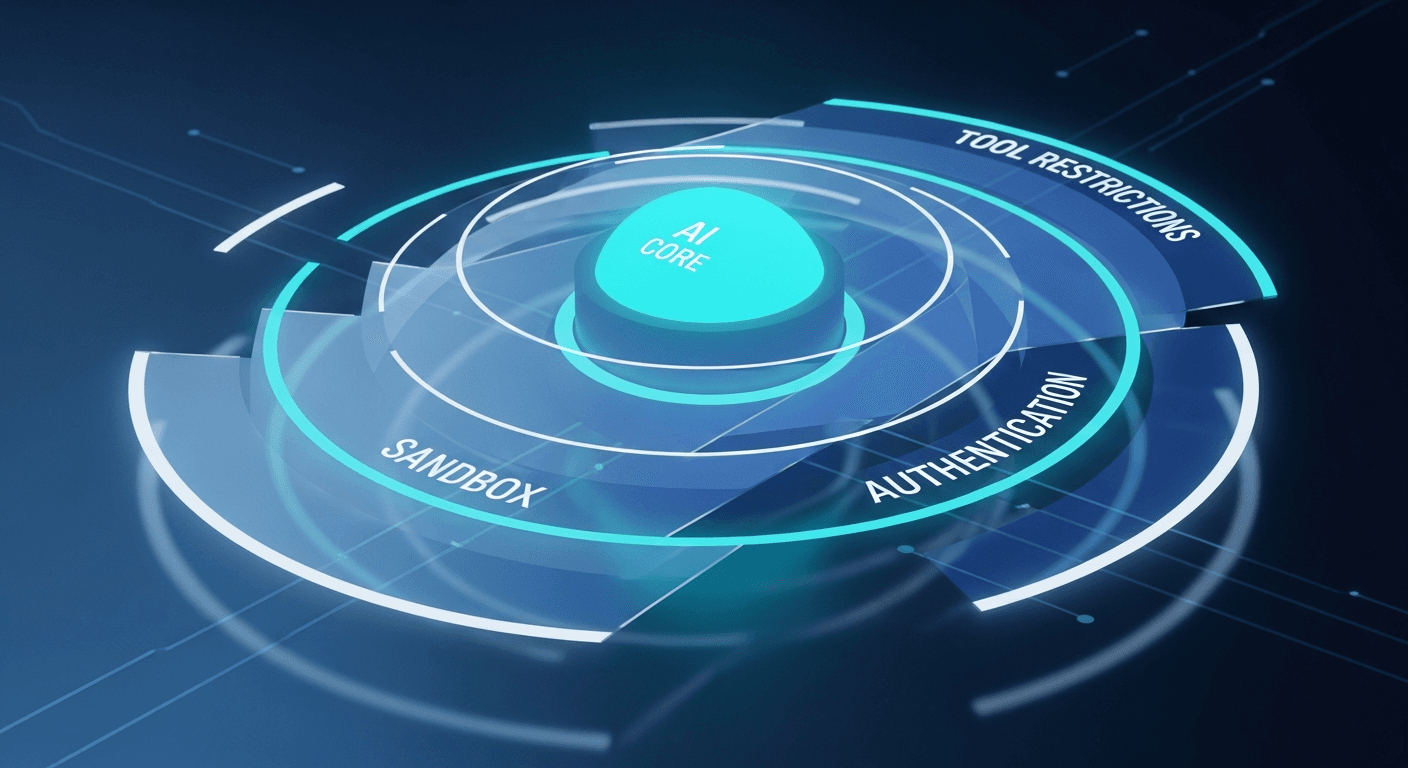
AI Agent Security: Why OpenClaw’s Layered Defense Model Matters
February 2026
Peter Steinberger just announced significant security improvements to ClawHub:
“Been spending quite a bit of time making ClawHub more secure; you can now report skills, and only people with a GitHub account that’s not brand-new can upload skills. This will eventually make this a much more trusted place.”
This is exactly the right focus. Here’s why it matters—and how OpenClaw’s broader security architecture protects you when running AI agents with real capabilities.
The Fundamental Challenge: AI Agents Have Power
Unlike chatbots that just generate text, AI agents can:
- Read and write files on your system
- Execute shell commands with your user privileges
- Make network requests to external services
- Access your credentials if improperly configured
- Interact with external APIs on your behalf
This is what makes them useful. It’s also what makes security non-negotiable.
The question isn’t “should agents have capabilities?” The question is “how do we grant capabilities safely?”
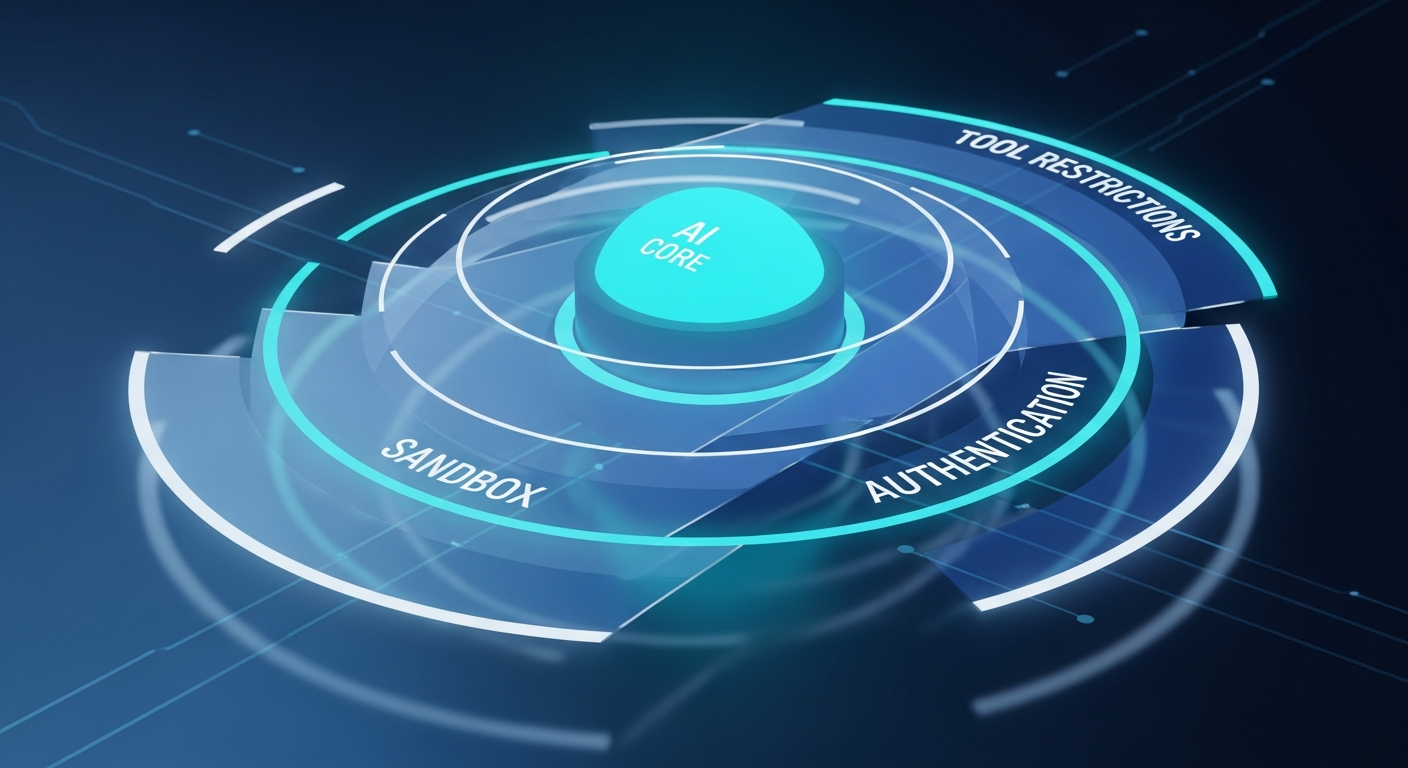
OpenClaw’s Defense-in-Depth Architecture
OpenClaw implements multiple independent security layers. If one layer fails, others still protect you.
Layer 1: Tool Allowlists & Denylists
Every agent has explicit control over which tools it can access:
{
  "tools": {
    "allow": ["read", "write", "exec"],
    "deny": ["browser", "gateway", "nodes"]
  }
}
Key principles:
- Tools are opt-in by default for sensitive operations
- Denylists can never be overridden by lower layers
- Each layer can only further restrict, never grant back denied tools
Want a read-only agent? Simple:
{
  "tools": {
    "allow": ["read"],
    "deny": ["exec", "write", "edit", "apply_patch", "process"]
  }
}
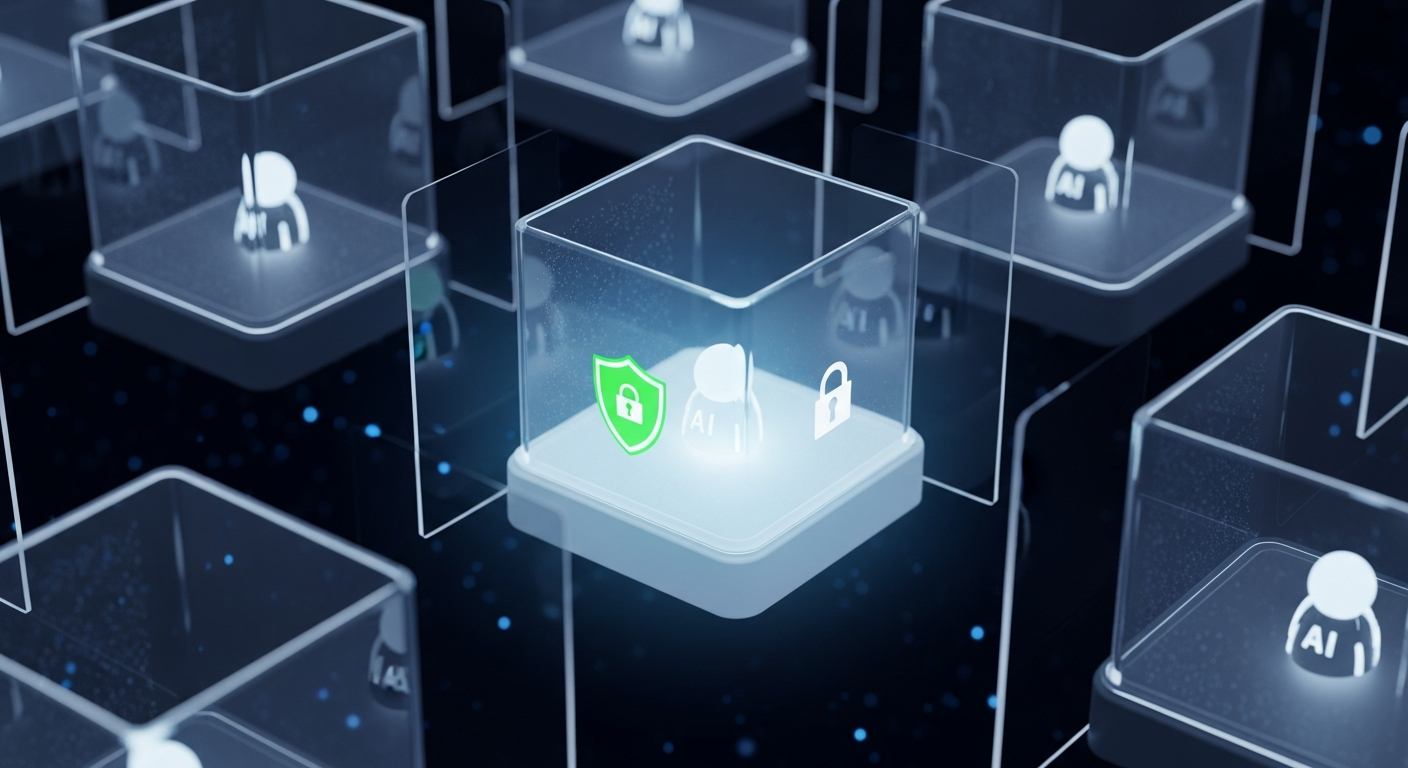
Layer 2: Docker Sandboxing
For untrusted contexts, OpenClaw runs agents in isolated Docker containers:
{
  "sandbox": {
    "mode": "all",
    "scope": "agent"
  }
}
Sandbox modes:
off— Run on host (trusted agents only)non-main— Sandbox non-primary sessionsall— Always sandbox
Sandbox scopes:
session— One container per conversationagent— One container per agentshared— Shared container with workspace isolation
Even if an agent is compromised, it can’t escape its container to affect your host system.
Layer 3: Gateway Authentication
The Gateway (OpenClaw’s central daemon) requires authentication for all connections:
- Token-based auth for API access
- Device pairing with approval workflows
- Challenge-response signing for non-local connections
Remote access requires either:
- Tailscale/VPN (preferred)
- SSH tunnel with proper auth
Binding to 0.0.0.0 without auth is explicitly flagged as dangerous in configuration validation.
Layer 4: Session Isolation
DMs from different users don’t share context by default:
- Each peer gets an isolated session
- Sessions only collapse when explicitly configured via identity links
- Group chats get their own session keys
This prevents information leakage between users even when they’re talking to the same agent.
Layer 5: Formal Verification
This is where OpenClaw goes beyond typical security practices. Critical security claims are machine-checked using TLA+ models:
Verified properties include:
- Gateway exposure and misconfiguration safety
- Node command pipeline authorization
- Pairing request TTL and rate limiting
- Ingress gating (mention requirements)
- Session routing isolation
Each claim has:
- A positive model that passes verification
- A negative model that produces counterexample traces for realistic bug classes
This isn’t a guarantee of perfect security—but it’s a level of rigor rare in open-source projects.
ClawHub: Trust at the Ecosystem Level
Peter’s improvements to ClawHub address a different layer: community trust.
Skills are essentially code that runs with agent privileges. A malicious skill could:
- Exfiltrate data from your workspace
- Execute arbitrary commands
- Modify files without your knowledge
ClawHub’s new protections:
- Skill reporting — Community can flag suspicious skills
- Account age requirements — Brand-new GitHub accounts can’t upload skills
- Reputation building — Trust accrues over time
This mirrors how package managers like npm have evolved—initial openness, then guardrails as the ecosystem grows.
Multi-Agent Security: Different Profiles for Different Contexts
OpenClaw supports running multiple agents with different security profiles:
{
  "agents": {
    "list": [
      {
        "id": "main",
        "name": "Personal Assistant",
        "sandbox": { "mode": "off" },
        "tools": { "allow": ["read", "write", "exec", "browser"] }
      },
      {
        "id": "family",
        "name": "Family Bot",
        "sandbox": { "mode": "all", "scope": "agent" },
        "tools": {
          "allow": ["read"],
          "deny": ["exec", "write", "edit"]
        }
      },
      {
        "id": "public",
        "name": "Public Support",
        "sandbox": { "mode": "all", "scope": "session" },
        "tools": {
          "allow": ["sessions_send"],
          "deny": ["exec", "write", "read", "browser"]
        }
      }
    ]
  }
}
Use cases:
- Personal agent: Full trust, full capabilities
- Family/work agent: Restricted to safe operations
- Public-facing agent: Communication only, no system access
The binding system routes conversations to the appropriate agent based on source (provider, group, user).
Security Best Practices for Agent Operators
Based on OpenClaw’s architecture, here are concrete recommendations:
1. Start Restrictive, Expand Carefully
Begin with minimal tool access:
{
  "tools": {
    "allow": ["read", "message"],
    "deny": ["exec", "write", "browser"]
  }
}
Only add capabilities as you understand why you need them.
2. Use Sandboxing for Untrusted Contexts
If your agent handles messages from people you don’t fully trust:
{
  "sandbox": {
    "mode": "all",
    "scope": "session"
  }
}
Container overhead is minimal; security benefit is substantial.
3. Separate Agents by Trust Level
Don’t run your personal assistant and your public support bot on the same agent. Create separate agents with appropriate restrictions.
4. Audit Skills Before Installing
From ClawHub or anywhere else:
- Check the source repository
- Read the SKILL.md
- Look for suspicious patterns (network calls, file writes)
- Prefer skills from established authors
5. Monitor Agent Behavior
Enable logging and review periodically:
tail -f ~/.openclaw/logs/gateway.log | grep -E "tool|exec|write"
Unexpected tool usage is a red flag.
6. Keep Credentials Separate
Never store sensitive credentials in agent-accessible workspaces. Use:
- Environment variables (with restricted scope)
- Separate credential stores
- Per-agent auth profiles
The Augmi Security Approach
At Augmi, we handle these concerns so you don’t have to:
Infrastructure isolation:
- Each agent runs in its own Fly.io container
- No shared resources between customers
- Automatic security updates
BYOK (Bring Your Own Key):
- Your API keys are encrypted at rest
- We never see your Anthropic credentials
- You control costs directly
No data monetization:
- $29/mo transparent pricing
- You’re the customer, not the product
- No incentive to harvest your data
Pre-configured security:
- Sensible defaults out of the box
- Sandboxing enabled by default
- Tool restrictions based on template
Self-hosting gives you maximum control. Augmi gives you security without the complexity.
The Evolution of AI Agent Trust
Peter’s ClawHub improvements are part of a broader pattern: as AI agent ecosystems mature, trust mechanisms evolve.
Phase 1: Open West
- Anyone can publish anything
- Community polices itself
- Works at small scale
Phase 2: Guardrails
- Account age requirements
- Reporting mechanisms
- Basic reputation signals
- ← We are here
Phase 3: Verified Trust
- Code signing
- Formal audits
- Insurance/bonding
- Automated security scanning
Phase 4: Decentralized Trust
- On-chain reputation
- Stake-based publishing
- Programmatic verification
- Community governance
We’re in the early stages. The security practices being established now will shape how billions of AI agents operate in the future.
Conclusion: Security Is a Feature, Not a Bug
AI agents with real capabilities require real security. OpenClaw’s layered defense model—tool restrictions, sandboxing, authentication, session isolation, and formal verification—provides robust protection.
ClawHub’s trust evolution—reporting, account age requirements, reputation—adds ecosystem-level safety.
And platforms like Augmi abstract away the complexity so you can run secure agents without becoming a security expert.
The future of AI agents is powerful and useful. With proper security architecture, it can also be safe.
Ready to run secure AI agents without the complexity? Deploy in 60 seconds at augmi.world.